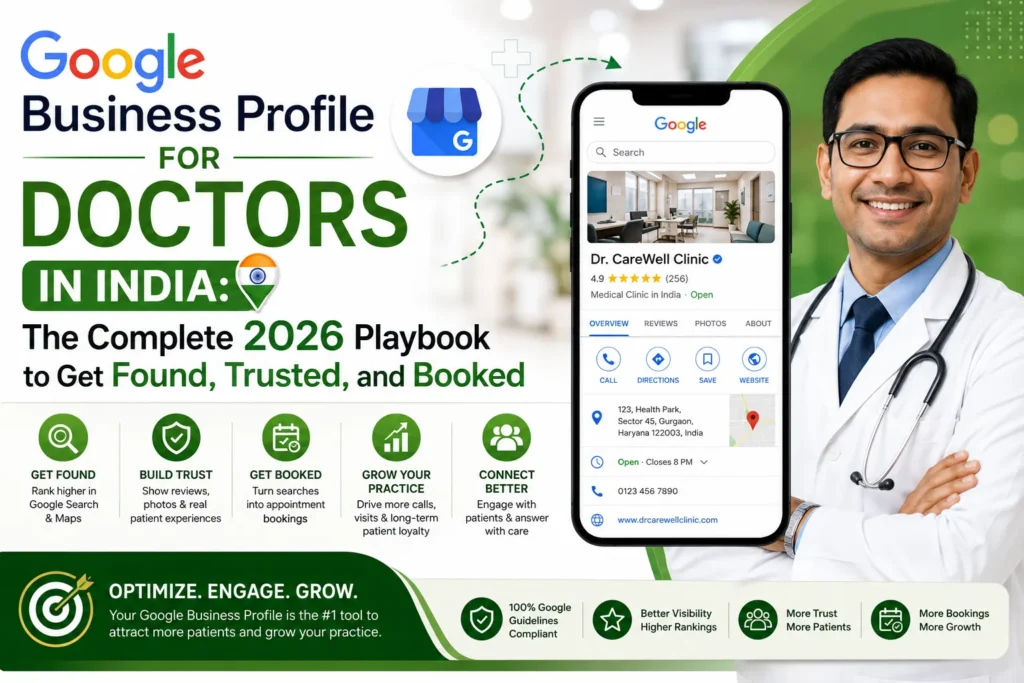
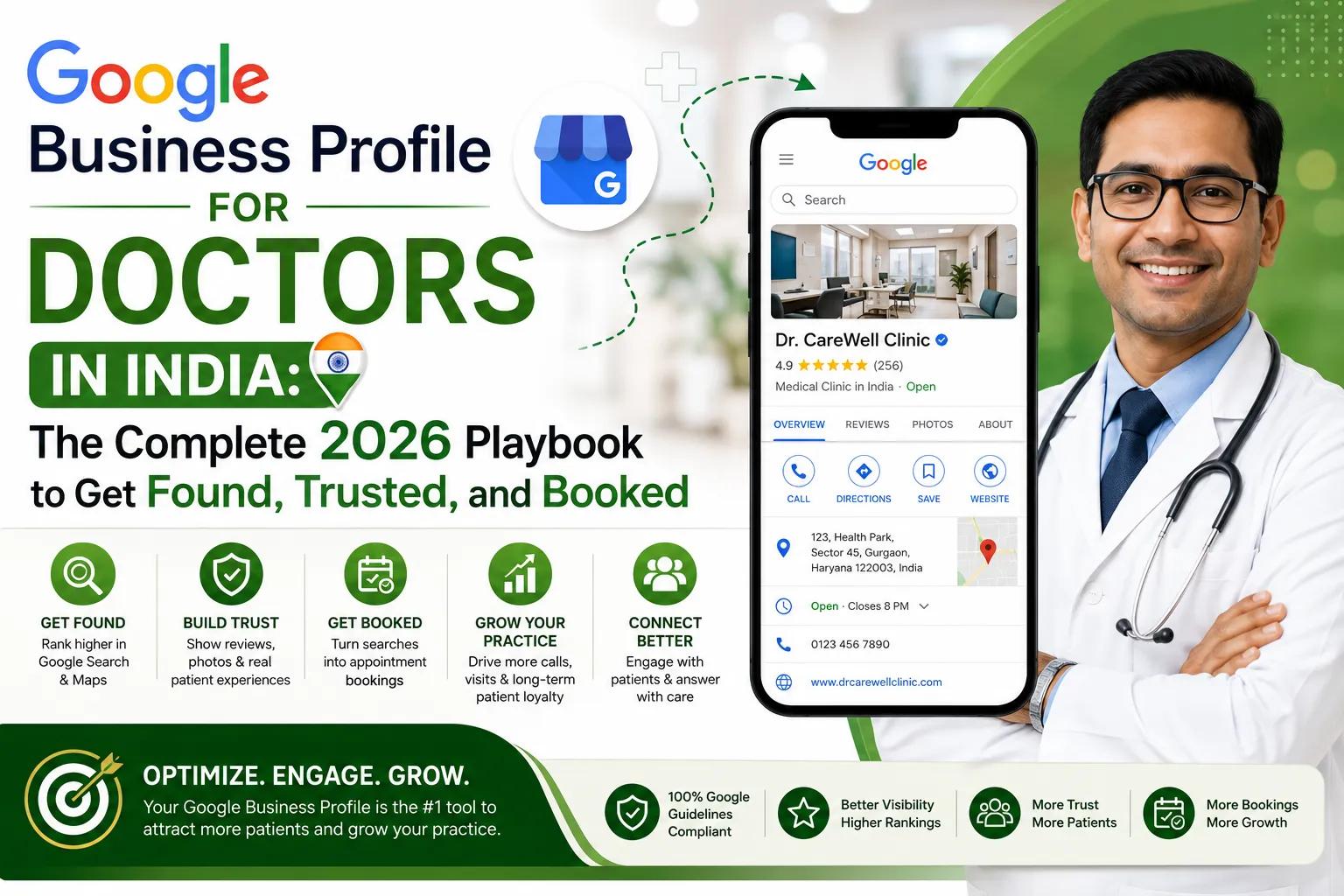
Google Business Profile for Doctors in India: The Complete 2026 Playbook to Get Found, Trusted, and Booked
Why Does Your Google Listing Matter More Than Your Waiting Room?
Picturize this: it’s 9:40 PM, a toddler has a sudden fever, and she’s is clueless what to do with her phone in hand. Being a novice in web browsing, she doesn’t open a browser and type your clinic’s website URL. She types “pediatrician near me” into Google and taps whichever name pops up first.
That map — the block of three listings Google shows above every other result — is where patients in India are making split-second healthcare decisions today. If your practice isn’t set up properly inside it, you’re invisible at the exact moment someone needs you most.
This guide provides a step-by-step breaks down of a doctor, clinic owner, or hospital administrator in India needs to know to build, optimize, and maintain a Google Business Profile (still commonly known as “Google My Business” or “GMB”) that actually brings patients through the door — while remaining fully within the ethical boundaries the medical profession operates under.
A Quick Note on the Name Change
Google rebranded “Google My Business” to Google Business Profile sometime back, retiring the standalone app. You can now manage your listing right away from Google Search and Google Maps. Functionally, everything is same except the label. All through this article, “GMB,” “Google My Business,” and “Google Business Profile” all indicates the same tool.
The India Reality: Why Doctors Can’t Market Like Everyone Else?
Before touching a single setting, understand this: doctors in India are bound by the National Medical Commission’s (NMC) code of professional conduct, which binds how registered medical practitioners can promote themselves. This isn’t optional context — it should shape every decision you make on your profile.
Generally off-limits:
- Actively urging or publishing patient testimonials as promotional content
- Paying for reviews, followers, or artificially boosted rankings
- Using superlative or outcome-based language — “best,” “guaranteed,” “painless,” “100% success”
- Sharing before/after photos or identifiable patient images to attract cases and prevent patient privacy.
Generally safe and encouraged:
- A fully updated, factual, verifiable Business Profile
- Responding professionally to queries received organically
- Publishing educational content that educates rather than sells
Think of it as a simple filter for everything you publish: inform, don’t promise; describe, don’t solicit. You’re allowed to make it smooth for a satisfied patient to leave a review — you’re not allowed to request them to sing praises for you. When something feels like a shady area, err on the conservative side and check with your state medical council before publishing.
You’ll also want to keep patient data handling aligned with Digital Personal Data Protection (DPDP) Act, 2023— no scans, case studies, or identifiable imagery used for marketing without documented, explicit consent.
With that clarified, here’s how to build a listing that works hard for you.
Step-by-Step: Building a Profile That Actually Converts
Claim and Verify Ownership Properly
Search your clinic’s name and city on Google first. You’ll land in one of three situations: no listing exists, an unclaimed one exists, or is being already managed.
- If nothing exists, create your profile while signed into a clinic-owned email account, not a staff member’s personal account.
- If a listing already exists unclaimed, claim it and complete Google’s verification process.
Healthcare listings are frequently targeted by spam, so Google has stricter verification process for medical categories — often requiring a short video walkthrough of your signage, premises, and supporting documents like a license or utility bill. It’s a mild hassle, but it protects you from impersonation.
Ownership tip: Whoever’s Google account verifies the listing effectively owns it. Keep it under a clinic account and add any agency or staff member as a manager, never the main owner. Losing access when someone leaves the practice is a common, entirely avoidable headache.
Get Your NAP Identical Everywhere
NAP : Name, Address, Phone number — needs to match, character for character, across your website, Practo, JustDial, Facebook, and every directory that you are enlisted. A mismatched “+91” here, a “Shop No. 4” there, and Google silently loses confidence in your listing’s accuracy, which costs you ranking.
Lock in one exact format and present it everywhere. It’s prosaic task, but it’s one of the highest-return hours you’ll spend on local visibility. Use a number your front desk actually picks up during working hours — a dead line undoes everything else you’ve done right.
Choose Categories With Intention
This is where most practices leave visibility on the table. Selecting “Doctor” or “Clinic” and calling it done is the single most common missed opportunity.
Your primary category carries the most ranking weight on your entire profile. Specific beats generic every time — a dermatologist choosing “Dermatologist” over “Doctor” will consistently outperform for the searches that matter to them.
- Primary category: the single most accurate description of your core practice.
- Secondary categories: only real, currently provided services — “Vaccination Center,” “Diabetologist,” “Fertility Clinic.” Don’t pad the list with anything a patient couldn’t actually book with you this week.
Always pull from Google’s live category list inside your dashboard rather than an outdated checklist, since available categories evolve.
Keep the Business Name Clean
List your actual practice name — nothing appended. “Dr. Ansari’s Family Clinic” works. “Dr. Ansari’s Family Clinic – Best General Physician Andheri” does not. Keyword-stuffing your business name violates Google’s own guidelines and can get your listing flagged or suspended — and it at the same time breaks NMC rules on superlatives. It’s a lose-lose shortcut. You’ll earn those keyword rankings through categories, services, and reviews instead.
Write Services and Descriptions in Patient Language
Patients search “child vaccination,” not “pediatric immunization schedule.” They type “full body checkup,” not “comprehensive preventive assessment.” Fill out your services list and 750-character business description the way an anxious, non-medical people actually searches — not the way the medical terminology goes.
Lead your description with facts: your qualifications, registration, specialty, conditions treated, locality, languages spoken, and consultation hours. Mention your specialty and area naturally, not more than twice. No promises, no superlatives — just a clear, human, trustworthy paragraph.
Upload Real Photos, Not Stock Images
A profile with a single blurry logo signals neglect. A stock photo of a smiling model in a white coat signals “generic.” Both hits the eye of patients instantly.
Upload authentic images: your exterior with visible signage (this also helps people physically locate you), your reception area, waiting room, consultation room, and a proper headshot of the doctor(s). Real location photos build more trust in ten seconds than paragraphs of text ever will — and listings with authentic photos consistently earn more direction requests and calls.
Patient privacy remains non-negotiable: no identifiable patients in any image, under any circumstance, without explicit written consent.
Keep Hours Accurate — Including Special Hours
Wrong hours online are one of the fastest ways to generate a frustrated patient and, soon after, a negative review. Set standard hours precisely, and use Google’s special hours feature for festivals, holidays, and one-off closures. It takes minutes and safeguards both your reputation and your ranking, since Google favors actively maintained listings.
Switch On the Features Patients Actually Use
Your profile is interactive, not a static poster. Turn on:
- Appointment/booking links — let patients request a slot without a phone call
- Messaging or WhatsApp — the preferred channel for many Indian patients; only enable it if someone will actually respond promptly
- Attributes — languages spoken (genuinely valuable in a multilingual country), wheelchair accessibility, women-led practice, telehealth and telemedicine availability
These minute details answer a patient’s questions before they even have to ask.
Use Google Posts as an Educational Channel
Google Posts function like a mini content feed attached to your listing — and for doctors, they’re a rare gift: a way to stay active and visible while staying entirely on the compliant side of the NMC line.
Safe, useful post ideas:
- Seasonal awareness — monsoon dengue precautions, summer heatstroke tips, winter air-quality advice
- Factual updates — new consultation hours, added telemedicine slots, vaccine availability
- Simple education — “Three signs your child’s fever needs immediate attention”
Steer clear of anything resembling a discount pitch, an outcome claim, or a testimonial. Posting weekly signals an active, trustworthy, well-run practice.
Take Ownership of Your Q&A Section
Anyone can post — or answer — questions on your public Q&A section, including strangers who may guess wrong. Get ahead of it by framing your own frequently asked questions and answering them factually yourself:
- Do you accept walk-ins, or is it appointment-only?
- Is parking available near the clinic?
- Do you offer video consultations?
- Which languages does the doctor speak?
- Are interpreters available?
This keeps your narrative accurate, stays firmly in educational limits, and requires only occasional monitoring.
Handle Reviews the Right Way
Reviews carry enormous weight — both for ranking and for the split-second trust decision an anxious patient makes. This is also the part where Indian doctors most often stumble into compliance issues, so precision matters.
Avoid: proactively asking for reviews, offering anything in exchange for them, or reposting them as promotional testimonials.
Do: make your profile easy to find (a link on your website or receipt is fine), and respond professionally to whatever arrives organically.
A simple response framework:
| Review type | Sample tone |
| Positive | “Thank you for sharing this — we’re glad we could help.” (No promoting, no invitation to “come back for more.”) |
| Negative | “We’re sorry to hear this. Please reach our front desk so we can understand and address it directly.” (Never argue publicly, non-disclosure of patient details.) |
Responding consistently — to both praise and criticism — signals to Google that you’re a committed to patients that you actually listen.
How Does Google Actually Rank Local Listings?
Three factors decide who shows up in that coveted map pack:
- Relevance — how minutely your profile matches the search, driven by accurate categories, services, and descriptions.
- Distance — proximity to the searcher, which is why a correctly pinned map location matters even though you can’t move your clinic.
- Prominence — your overall trust signal, built from review volume and quality, your presence across other platforms, and the strength of your linked website.
Your website and your Google profile reinforce each other. A fast, mobile-friendly site with consistent NAP and genuinely informative content strengthens your profile’s prominence — local visibility isn’t a choice between the two; it’s both, working in sync.
Running Multiple Doctors or Multiple Locations
- Multiple branches: each physical location needs its own personalized verified profile, its own accurate address, and its own local phone number. Never try to run several branches off a single listing.
- Multiple doctors, one practice: alongside your clinic’s location profile, individual physicians can maintain their own provider profiles, which surface when patients search for a doctor by name or specialty. Managed well, a set of provider profiles alongside the main clinic listing significantly widens your reach — as long as every profile stays factual and consistent.
Common Mistakes We See Across Indian Practices
- Setting the profile up once, then never touching it again
- Choosing a generic category instead of a precise specialty
- Inconsistent NAP details across Practo, JustDial, the website, and Google
- Letting a personal account — rather than a clinic account — own the listing
- Soliciting reviews or reposting testimonials, risking an NMC compliance issue
- Ignoring negative reviews, or worse, responding defensively in public
- Relying on stock photography instead of real premises images
- Never checking for unauthorized “suggested edits” to hours or contact details
Correcting even half of this list typically puts a practice ahead of most local competitors.
A Realistic Monthly Maintenance Rhythm
Optimization isn’t a one-time project — it’s a light, recurring habit:
- Weekly (about 10 minutes): reply to new reviews, answer new Q&A entries, publish one educational post
- Monthly (about 20 minutes): review your Performance insights, confirm hours and details are still accurate, add a fresh photo or two, check for stray suggested edits
- Quarterly (about 20 minutes): re-check your categories against the current list, refresh your description, and re-verify NAP consistency across major directories
Delegate this to a trained front-desk staffer or a dedicated agency if bandwidth is tight — just retain ownership of the account itself.
Measuring What’s Actually Working
Your profile’s Performance section shows exactly how patients are finding you: through direct name searches versus category searches like “dermatologist near me,” plus how many people called, requested directions, or clicked to your website.
Watch these trends over months rather than days. A rising share of category-based discovery searches means your optimization is reaching patients who were unaware of your name — which is the entire point of doing this work.
The Bottom Line
For a practicing doctor in India, a properly optimized Google Business Profile is quietly one of the highest-value assets in your entire marketing toolkit — free, high-intent, and often the very first impression a patient forms.
Getting it right is less about cleverness and more about consistency: claim it, verify it, choose precise categories, and keep every detail the same everywhere, use real demographics, stay active with educational content, and respond thoughtfully to every review. Do it all within the NMC’s boundaries — inform, don’t promise; describe, don’t solicit — and you get full visibility without the compliance risk.
FAQs
Is a Google Business Profile free for doctors in India?
Yes, entirely. Creating, verifying, and managing your listing costs nothing. Paid Google Ads are a separate, optional layer.
Can doctors ask patients for Google reviews?
This is the sensitive area. The NMC’s ethics framework treats solicited testimonials and reviews as a violation. The safer path is to never actively ask, while still responding professionally to reviews that come in naturally. When unsure, stay conservative and check with your state medical council.
How long does it take to rank in the local map pack?
There’s no fixed timeline. A properly optimized profile with consistent NAP, accurate categories, real photos, and steady organic reviews can begin moving within weeks to a few months, depending on how competitive your locality and specialty are.
Do I still need a website if I have a strong Google profile?
Yes — they cater different purposes and strengthen each other. Your profile wins the immediate local search moment; your website builds deeper trust and hosts the educational content that boosts your profile’s prominence.
Can two clinic branches share one Google listing?
No. Each physical location requires its own separately verified profile with its own address and local number.
At Doctors Branding Agency, this is the exact work we handle for practices across India every day — building profiles that are not just complete, but genuinely built to convert an anxious search at 9 PM into a booked appointment.