
How to Handle Duplicate Google Business Profiles for a Medical Practice?
Learn how to diagnose a duplicate Google Business Profile, decide what is allowed for a medical practice, clean listings safely, and confirm the fix has held.
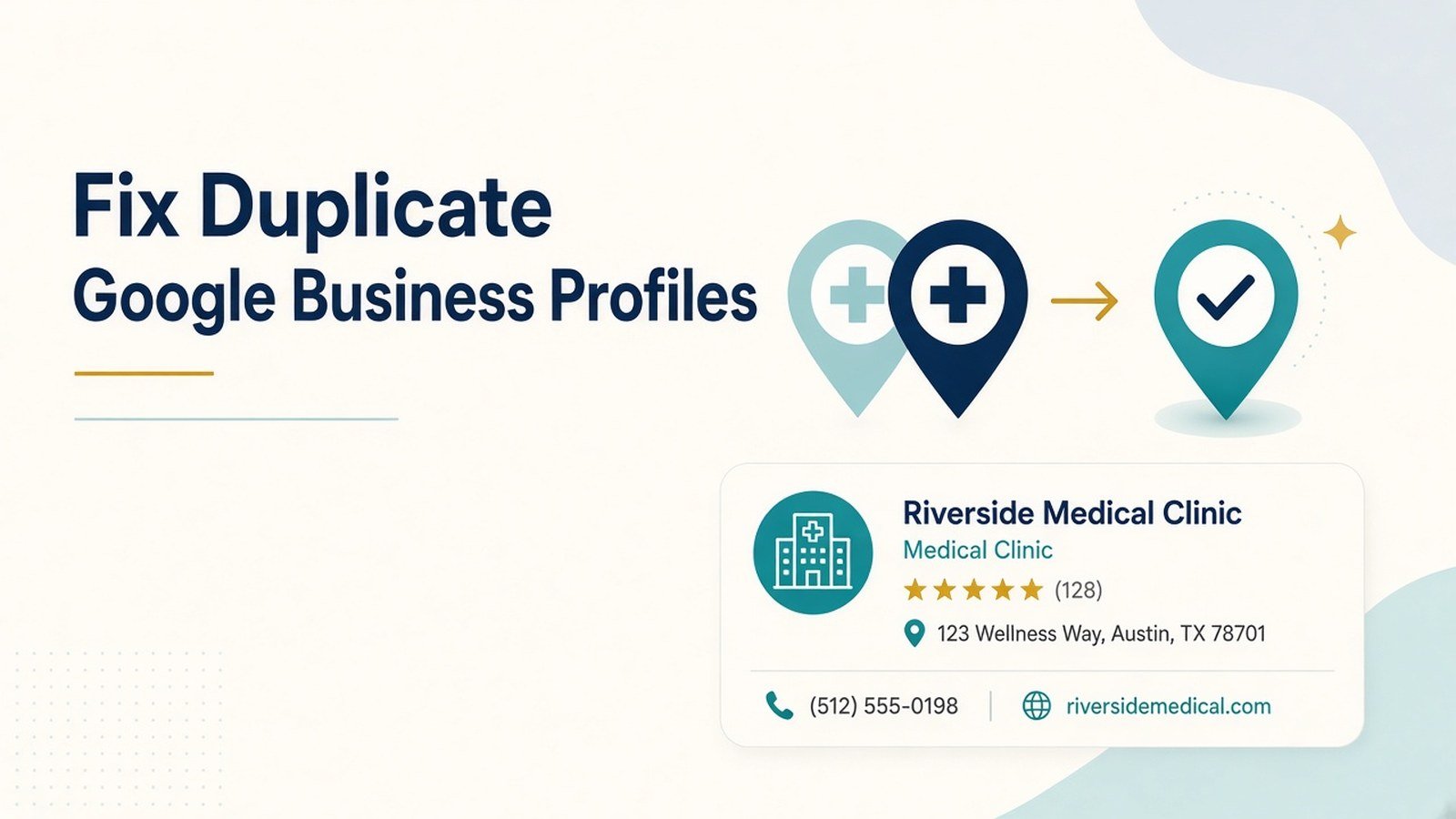
Two Google listings showing up for the same clinic is one of the most common local SEO problems we see in Indian healthcare. Patients call an old number, reviews split across two profiles, and the practice manager has no idea which listing Google treats as the real one.
A duplicate Google Business Profile for doctors is not always a mistake, though. Google allows a clinic and its individual doctors to hold separate profiles in some situations. So the first job is not deleting anything. It is working out whether you have a true duplicate, a permitted practitioner listing, or an ownership problem, because each needs a different fix.
This guide walks clinic owners and practice managers through that diagnosis, the cleanup options Google offers, and how to check the work actually held.
Why duplicate clinic listings cause real problems
Duplicate clinic listings usually appear for ordinary reasons. A receptionist creates a new profile because nobody can find the old login. The clinic moves from one floor of a building to another, and someone sets up a fresh listing. A patient or a directory feeds Google a slightly different clinic name, and Google builds a second, unclaimed profile on its own.
The effects land on patients first. Someone searching for a paediatrician near Salt Lake may see two pins, two phone numbers and two sets of timings, with no way to tell which is current. Reviews get split, so neither profile reflects the practice’s full history. And when the team edits one listing, the other keeps showing stale information.
There is also a policy angle. Google’s help centre states that each business should have only one Business Profile, that multiple profiles for one business break its policies, and that a profile treated as a duplicate stops showing on Search and Maps. If Google picks the wrong profile to suppress, the listing you have maintained can disappear while the outdated one stays live.
The rules that decide what counts as a duplicate
Google’s guidelines for representing your business treat doctors as individual practitioners, which changes the picture for medical practices. Four principles matter most.
- One business, one profile. A clinic at one address gets one profile. Opening a second listing for a new specialty, a new service, or a relocated clinic is not allowed. Google asks you to add services to the existing profile and update the address when you move.
- Public-facing doctors may have their own profile. A doctor who sees patients directly and can be reached at the clinic during stated hours is eligible for a dedicated listing. Support staff are not. A doctor should not hold several profiles to cover different specialisations.
- Multi-doctor clinics keep the practice and the doctors separate. When several doctors practise at one location, the clinic has its own profile, and each doctor’s profile carries only the doctor’s name, not the clinic’s.
- Solo practitioners share one profile. If one doctor is the only public-facing practitioner at a branded clinic, Google recommends a single profile named in the format [clinic brand]: [doctor’s name].
Hospital departments are a related case. A department that operates as a distinct entity, with its own name, category, and often its own entrance, can have its own profile. A cardiology OPD that shares the hospital’s reception and phone line is harder to justify.
The practical takeaway: a clinic profile plus one profile per consulting doctor at the same address may be perfectly legitimate. Two clinic profiles for the same address almost never are.
A step-by-step method for local listing cleanup
Step 1: Find every listing
Search Google Maps for the clinic name, each doctor’s name with “Dr.”, the clinic phone number, and the street address. Note every result, including old names and listings marked closed. Screenshot each one with its review count before touching anything.
Step 2: Classify each listing
For every listing, answer three questions. Does it represent the clinic or a named doctor? Does that doctor still practise here? Who owns it, if anyone? This is where most doctor map listing issues get sorted: many “duplicates” turn out to be valid practitioner profiles that only need correct details.
Step 3: Pick the profile to keep
Keep the listing with the correct address, the longest review history, and verified ownership in the clinic’s own account. If those point in different directions, favour accurate details and ownership. Reviews can move in a merge; a lost login is harder to recover.
Step 5: Align details everywhere
Once one clinic profile is in control, make its name, address, phone number, and timings match the clinic website, Practo, Justdial, Lybrate, and any hospital directory listings. Inconsistent citations are a common reason duplicates come back.
Common mistakes, limits and compliance points
- Deleting first, checking later. Removing the wrong profile wipes its content and managers. Always confirm which listing holds the reviews and correct details.
- Reporting a doctor’s valid profile as a duplicate. If the doctor still consults at the clinic, Google’s guidelines allow that profile. Reporting it wastes time and can confuse Google about which listing represents what.
- Creating yet another profile to “start fresh”. A new listing adds to the problem. Fix ownership of the existing one instead.
- Expecting a guaranteed outcome. Merge requests and appeals are reviewed by Google, and the decision is Google’s. Cleanup removes a known source of confusion, but no one can promise a specific ranking or a change in patient enquiries afterwards.
- Keeping access in one person’s inbox. Many duplicates start when a staff member or agency leaves with the only login. Hold ownership in a clinic-controlled account.
On privacy, never put patient details in profile posts, photos, or review replies, even when a patient has named themselves. Google’s content policies prohibit sharing private or confidential information, and clinics in India also need to account for the Digital Personal Data Protection Act, 2023. A neutral reply that invites the person to contact the clinic directly is the safer pattern. Clinics should also check current National Medical Commission guidance on how doctors may present themselves publicly.
This article is marketing guidance about online listings. It is not medical, legal, or regulatory advice.
How to measure progress and decide the next step
Track the cleanup in a simple log: each listing, the action taken, the date and the outcome. Then check a few signals over the following weeks.
- Search results: repeat the same Maps searches from Step 1. The extra clinic pin should be gone or marked as merged.
- Reviews: after a merge, confirm the review count on the kept profile has absorbed the other profile’s reviews.
- Profile performance: the Performance view in Google Business Profile shows calls, direction requests, and website clicks. Compare the kept profile before and after, knowing that seasonality and other changes also affect these numbers.
- Edits from outside: watch for suggested edits or a recreated listing, which point to inconsistent data elsewhere.
If nothing has changed after a few weeks, check whether the details on both profiles truly match, then contact Business Profile support with your screenshots and log. If a duplicate keeps reappearing, go back to the citations in Step 5.
Final Thoughts
Handling a duplicate Google Business Profile for a medical practice comes down to diagnosis before action. Separate true duplicates from permitted doctor profiles, keep the clinic listing with accurate details and secure ownership, use Google’s own remove, merge, ownership or appeal routes, and then align the clinic’s details across the web.
For broader context on how practice and doctor listings fit into local search, Doctors Branding Agency’s Local SEO for doctors page sets out the wider approach, and the guide to Google Business Profile for doctors in India covers setting up a profile from scratch.
Keep reading
More from the Doctors Branding blog
-
How to Improve Internal Linking on a Medical Website?
A practical medical website internal linking method: audit orphan pages, build speciality clusters, set link rules, and check patients can...
Read article → -

Local SEO Beyond Google Business Profile: Other Signals Doctors Can Manage
Local SEO beyond Google Business Profile: other signals doctors can manage, from consistent listings and service pages to reviews and...
Read article → -

Local SEO for Diagnostic Centres and Pathology Labs
Practical local SEO for diagnostic centres: fix Google profiles, build unique lab pages, keep details consistent, and measure results for...
Read article →
Want this kind of thinking applied to your practice?
Start with a conversation about where your doctor, clinic or hospital marketing stands today.